
Shopify Logo Design — Store Styling Guide
This is part three of the Shopify styling series, focused on logo design. Before you start: for beginners — honestly, for most small and mid-size sellers — a brand logo matters, but not enough to justify serious money. Many Taobao designers produce worse results than what you'd make yourself with decent taste; Canva is full of good logo templates. As for paying an agency big money for "meaning" and "brand story" — skip it. Xiaomi's new logo rounded some corners and cost ¥2 million. Not your price range. So this guide is about designing a practical logo for free.
Shopify logo design
Logos are unavoidable in brand building. But branding is a huge topic — plenty of people claim to be "building a brand" when all they made was a logo. That's why I cover logos late in the series.
Take Apple and Nike. A good brand logo is:
- Simple: a swoosh; a bitten apple. So minimal you can describe it in one sentence.
- Recognizable: see the swoosh, think Nike. Things connected to daily life spread and stick.
- Legal and copyright-safe: check copyright risk and file trademarks early.
If you don't have a brand concept yet, just use a tool to make something that fits your taste and user expectations, following the rules above.
Already have a registered brand logo? Use it and move on.
Note that styling a Shopify store needs the logo in multiple formats and sizes — transparent, black, white; homepage size, email size, favicon size.
Two convenient sites handle both design and export in one shot: Shopify's official free tool, and my usual pick, LOGO.COM.
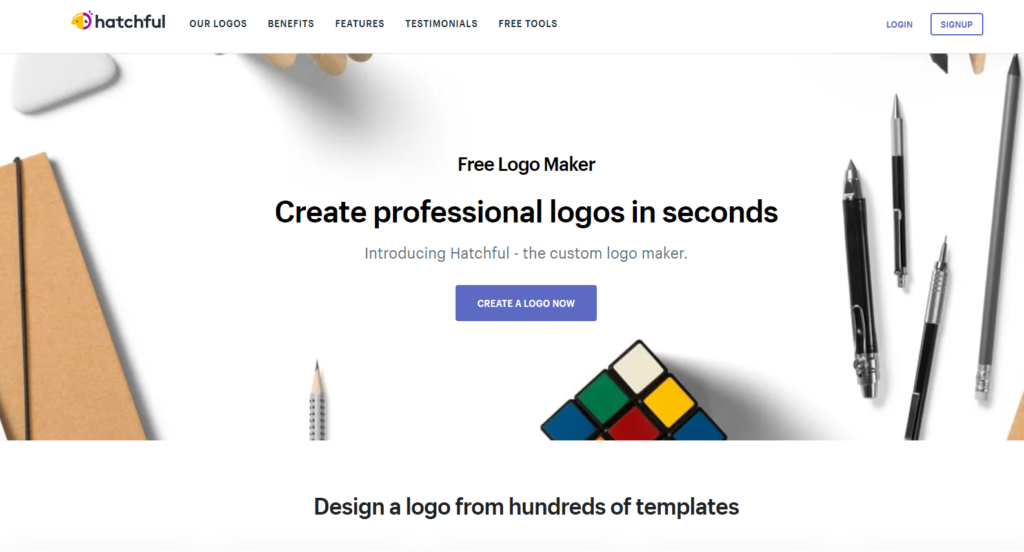
Shopify's official free logo tool
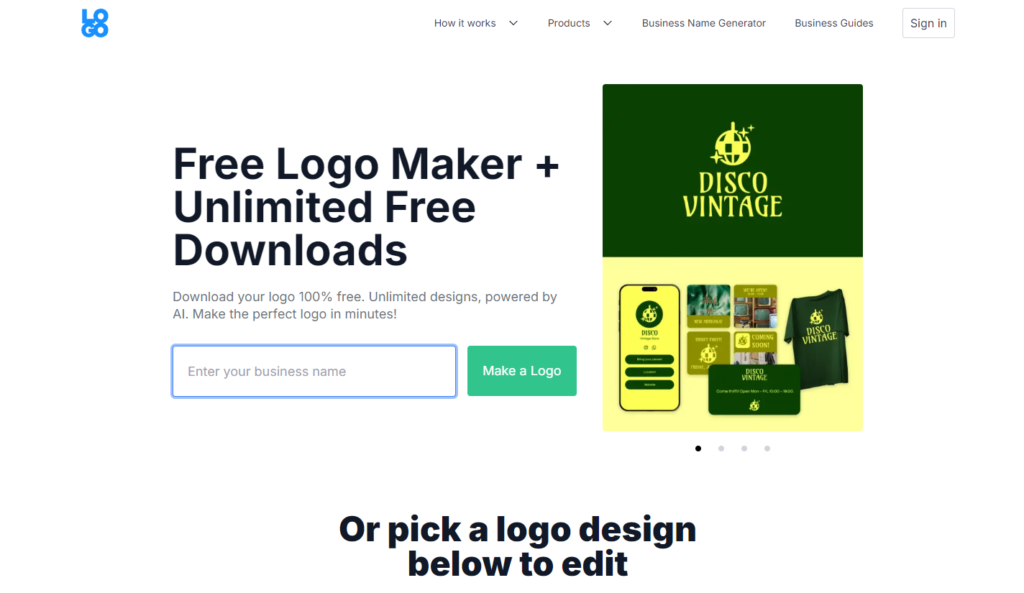
logo.com, a solid free logo tool