
4 International AI Tools: Use Cases, Strengths and Limits
This international AI tools list contains four products the author has actually used. They are not direct substitutes and are not ranked by a vague claim about the “strongest model.” The comparison focuses on common cross-border ecommerce tasks, how easily outputs can be checked, and when an upgrade may not be worth paying for.
Screenshots were captured in 2024 and preserve the experience at that time. Models, limits and plan features change quickly; check each official product page before purchasing.
Choose by task first
| Task | Start with | Useful output | Main limitation |
|---|---|---|---|
| Research structure, drafts, code explanation | ChatGPT | A fast, editable first pass | Can invent facts; verification is required |
| Advertising and social visuals | Canva | Repeatable assets in multiple sizes | Licensing and brand consistency need review |
| English grammar and tone | Grammarly | Suggestions applied to an existing draft | Does not replace factual, market or legal review |
| Content calendar and operations knowledge | Notion | Structured records, ownership and status | Poor database design becomes clutter |
1. ChatGPT: general research and drafting
Official entry point: ChatGPT. The author has used it regularly for Python error explanations, copy drafts, support templates and information organization. Its value comes from iterative constraints in a conversation, not publishing a first response unchanged.
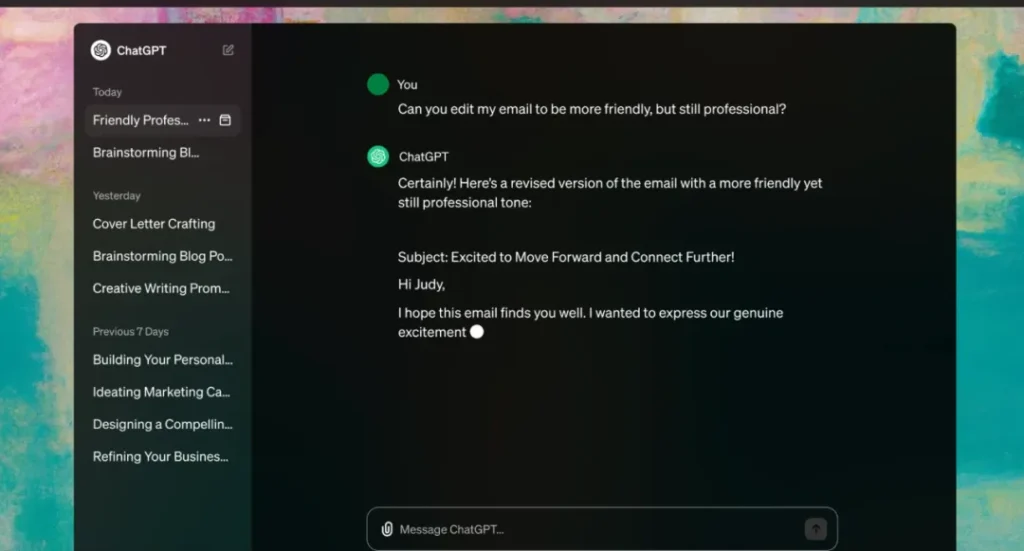
A safer workflow starts with the audience, objective and existing evidence. Ask for knowledge gaps, then request primary sources for important claims. A human should open those sources, recalculate numbers and rewrite the conclusion. Policy, price, payment eligibility and advertising rules should never rely on model memory alone.
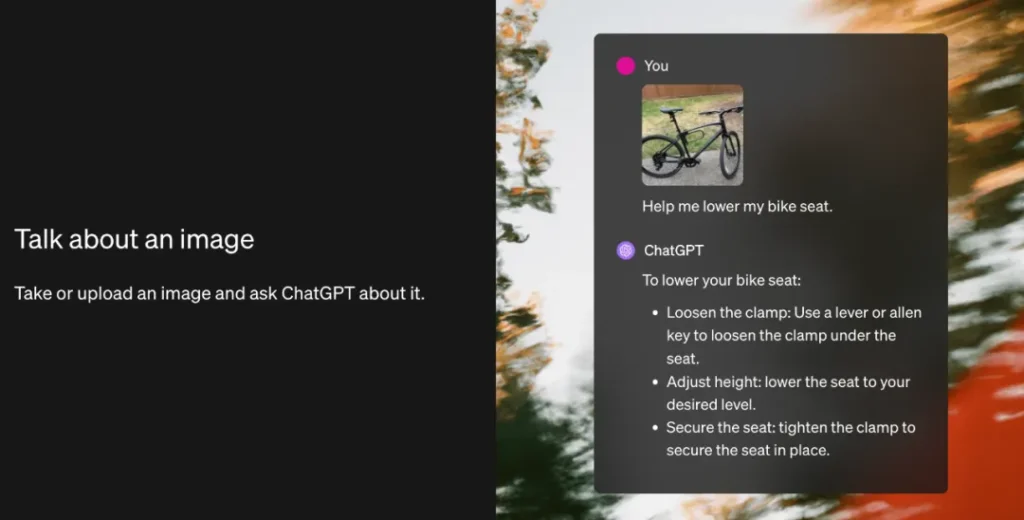
Model access and file or image limits change across free and paid plans. Do not choose a plan from an old comparison of GPT-3.5, GPT-4o or fixed quotas.
2. Canva: repeatable brand visuals
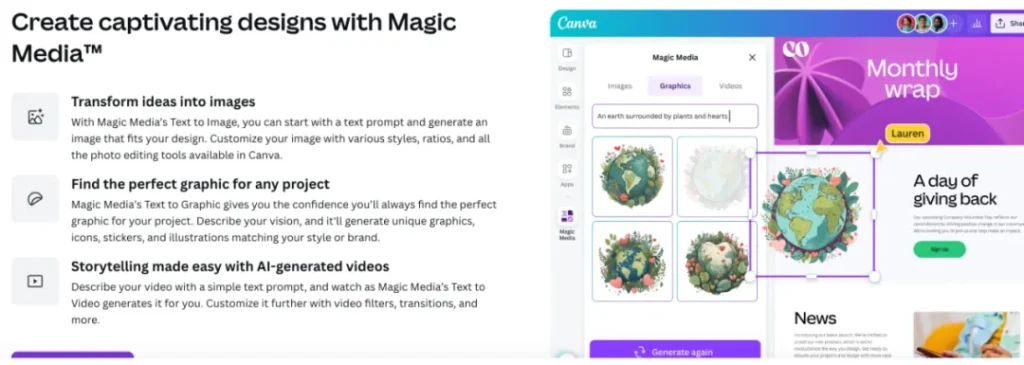
Official entry point: Canva. The author has paid for an annual plan and used it for Xiaohongshu and marketing graphics. Templates, resizing and collaboration can reduce production time for a small team without a dedicated designer.
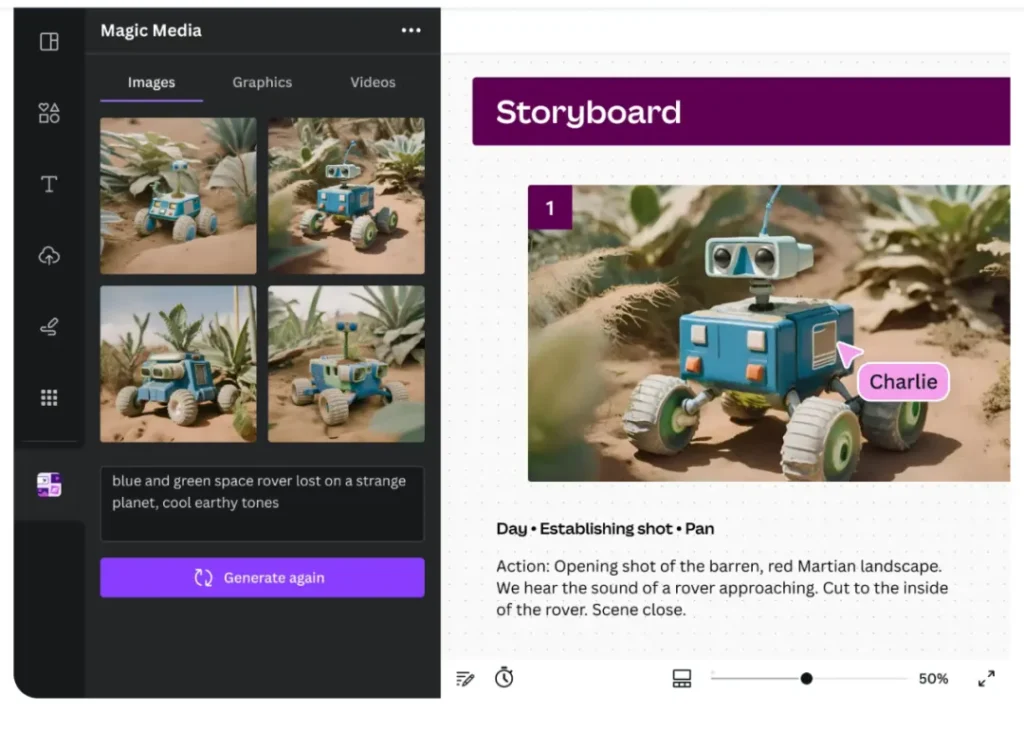
Before publication, check font and image licenses, terms for AI assets, mobile legibility and brand consistency. Do not ship a template unchanged. Define logo clear space, brand colors, typography hierarchy and image style, then export dimensions suited to each channel.
3. Grammarly: a second pass for English
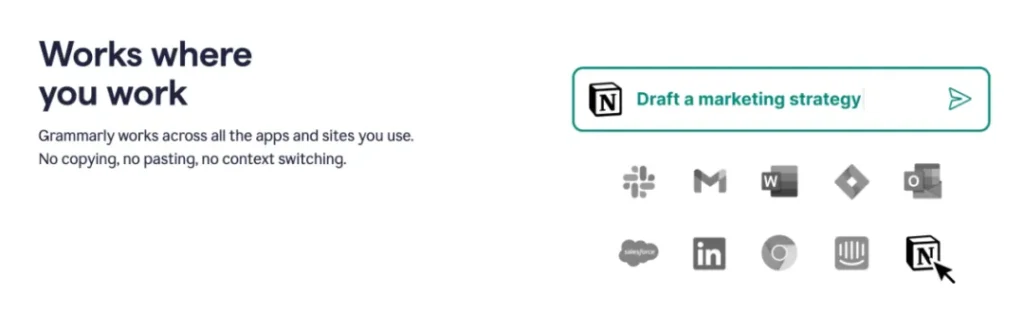
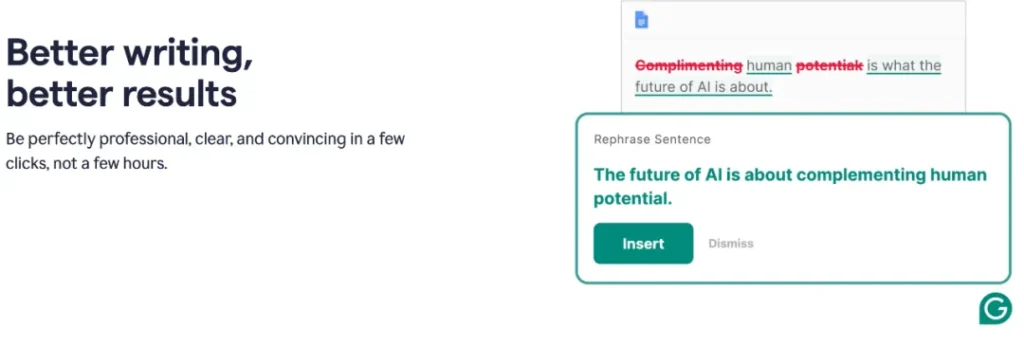
Official entry point: Grammarly. The author's main use is checking English SEO articles and email for grammar, spelling and tone. It works best on a draft with an established factual base; it cannot replace native-market research or decide whether a product claim is lawful.
Keep the original and accept changes one at a time so automated rewriting does not alter a specification, negation or legal meaning. Teams should also verify what a browser extension can read and disable it in sensitive admin systems where appropriate.
4. Notion: content and operations knowledge base
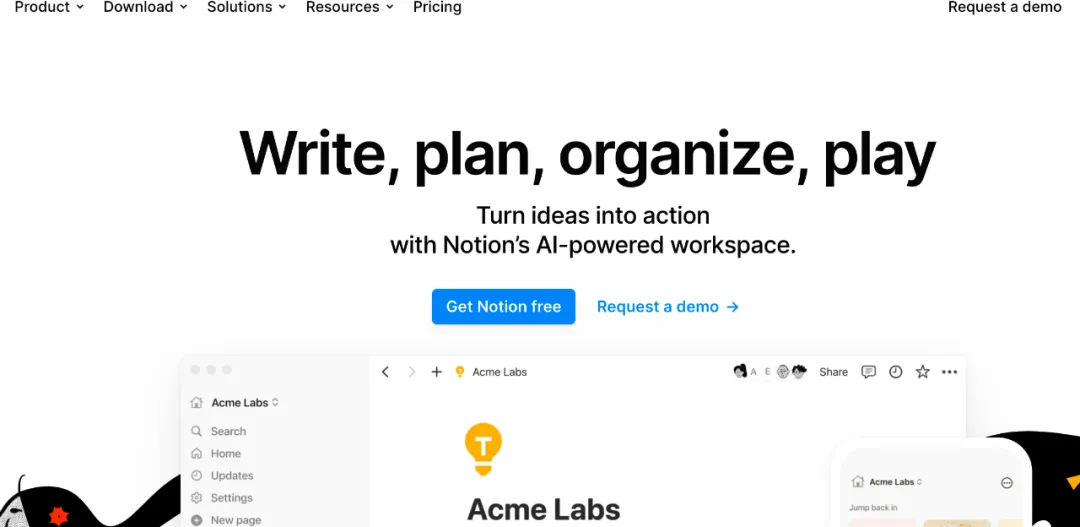
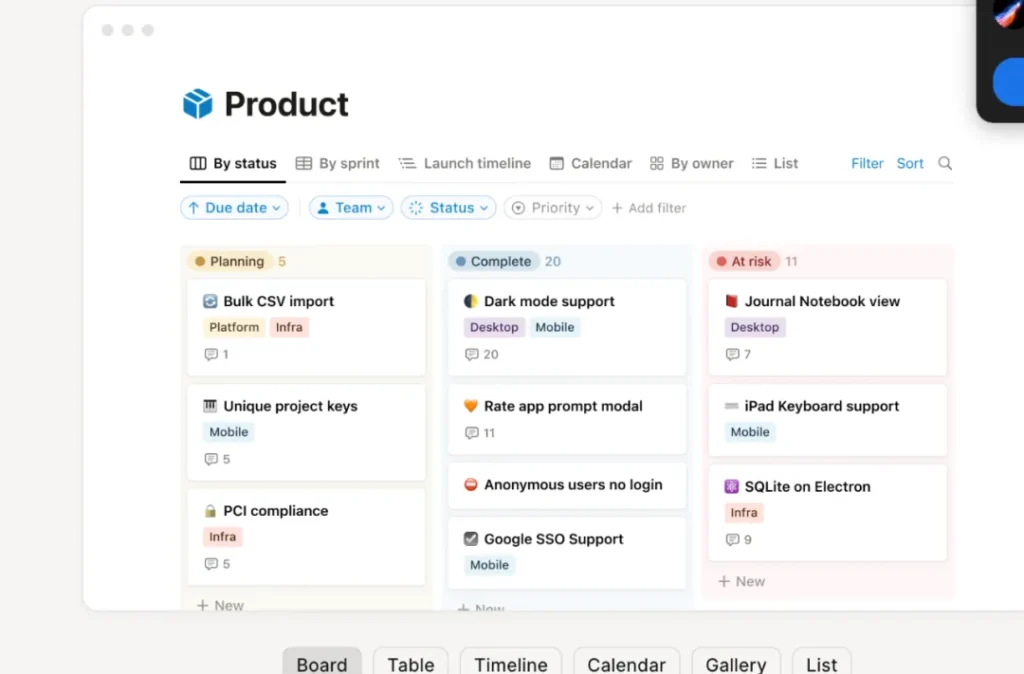
Official entry point: Notion. The author uses it to combine code, tables, images and attachments. Database relations, templates and status fields are particularly useful for managing topics, evidence, review and update dates.
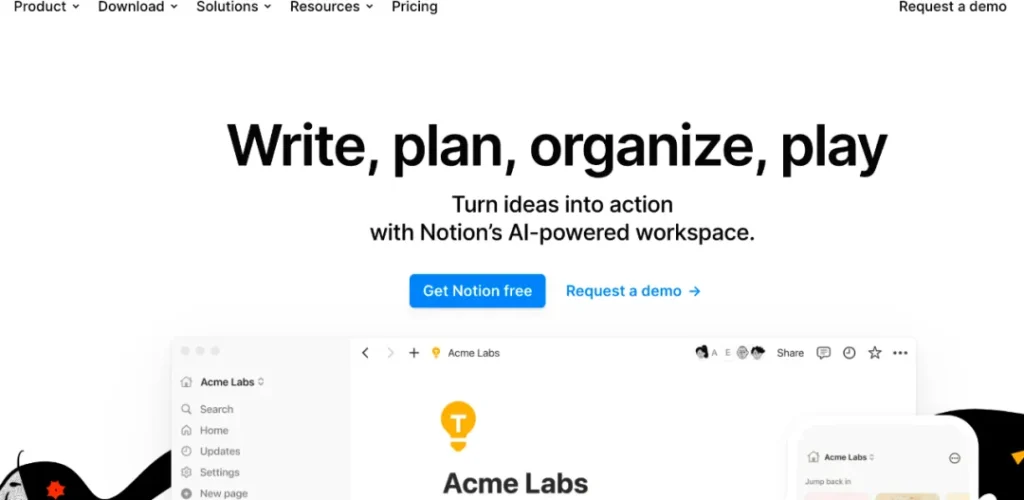
Start with one content database containing URL, target reader, search intent, primary question, evidence, owner, publish date, review date and conversion goal. Avoid building an elaborate workspace before the team needs automation or cross-database relationships.
An ecommerce AI publication gate
Regardless of product, complete these checks before publishing:
- Verify facts, prices, policies and statistics in the original source.
- State the sample, date and limitation of experience-based conclusions; never fabricate use.
- Trace the rights for product images, marks, fonts and generated media.
- Keep customer data, credentials, payment information and confidential contracts out of unapproved tools.
- Use a human editor to remove repetition, empty claims and off-brand language.
- Give the final page an accountable owner and next review date.
Google's guidance on generative AI content focuses on whether content helps people, not which drafting tool was used. AI can accelerate research and editing; it does not replace evidence, original experience or publication responsibility.
FAQ
- Which tool is best for a new ecommerce operator?
- There is no universal winner. ChatGPT suits analysis and drafts, Canva visual production, Grammarly English editing, and Notion process management. Test one specific task before paying for a plan.
- Can an AI-generated SEO article be published unchanged?
- It should not be. The publisher must verify facts and sources, add genuine experience, remove template language, check copyright and privacy, and remain accountable for the result. Scaling pages without original value can create a quality and spam risk.
- What data should not be uploaded to an AI tool?
- Avoid customer identity or payment data, unreleased contracts, API keys and confidential strategy unless the selected account, data terms and team controls have been approved for that information. Outputs also need hallucination, bias and rights checks.