
Connecting Coze to a WeChat Official Account in 1 Minute
In the AI era there are plenty of ways to boost your efficiency. You can use Coze — or its Chinese version 扣子 (Kouzi), both ByteDance products — to build a bot that speeds you up. I built one that optimizes Google ads for my own use.
Anything I don't want to do goes to AI
I've followed AI for a long time. The core change: any workflow I "don't want to do" gets handed to AI. In Google advertising — especially search ads — writing assets and copy is the most tedious part. So I built a bot on Coze for myself, and later tuned one on Coze (international) for the team.
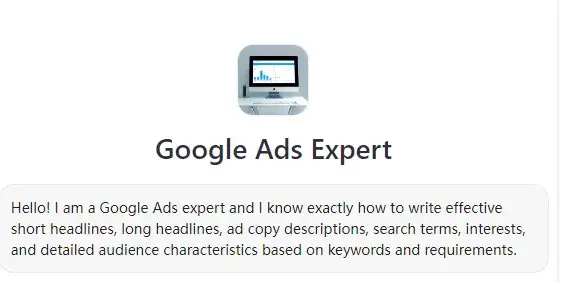
My bot on Coze
International Coze runs OpenAI's GPT-4o — the English output really is a cut above.
So I built a bot to write Google ad copy
While publishing the API on the Chinese Coze, I noticed — hey, it can publish to WeChat official accounts.
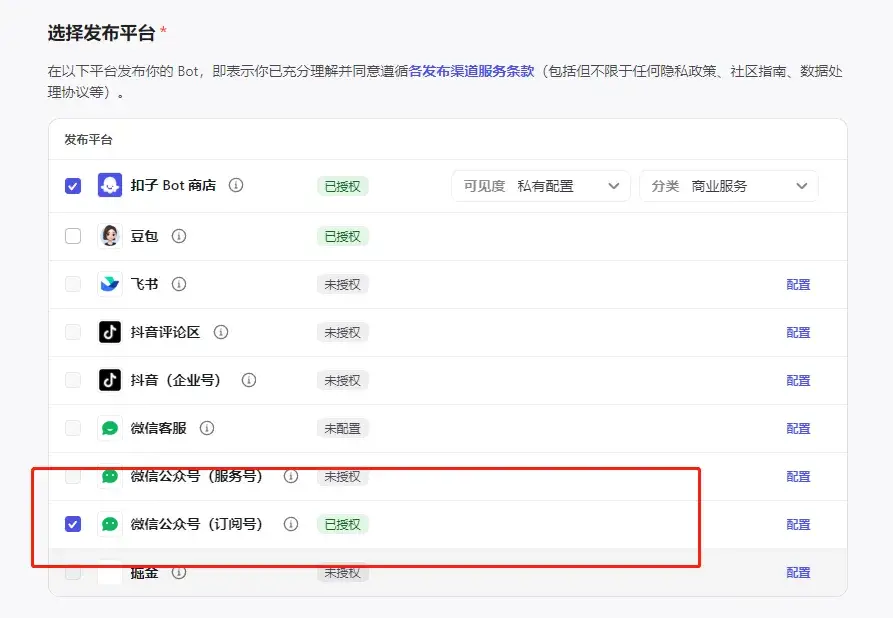
Binding Coze to an official account
So I wired Coze into my personal official account. Come play with it: 1. In the input box of the Nolan聊 account, type a keyword plus your requirement. 2. Wait 3–5 seconds and you get English PMax creative — plus audience and keyword suggestions. Example:
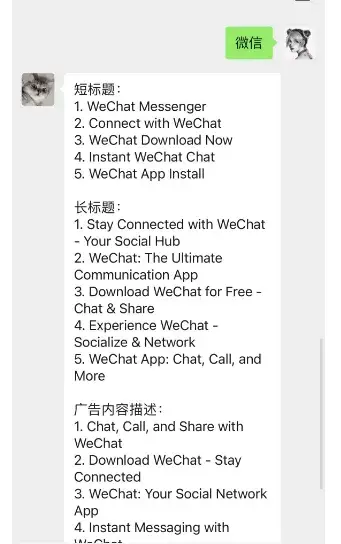
The experience inside the official account
Results? After a month of testing: account-level ROAS 3.25, bot-written copy ROAS 3.07.
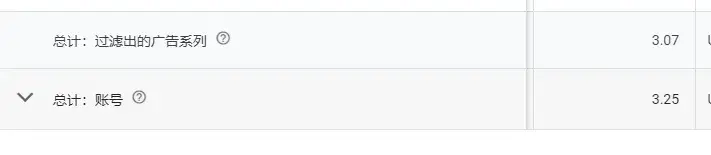
Google test results
(Data for reference only — other factors contributed; don't follow blindly.)
How do you build a helper bot on Coze?
Simple. Coze is ByteDance's LLM playground; in China it's known as 扣子.
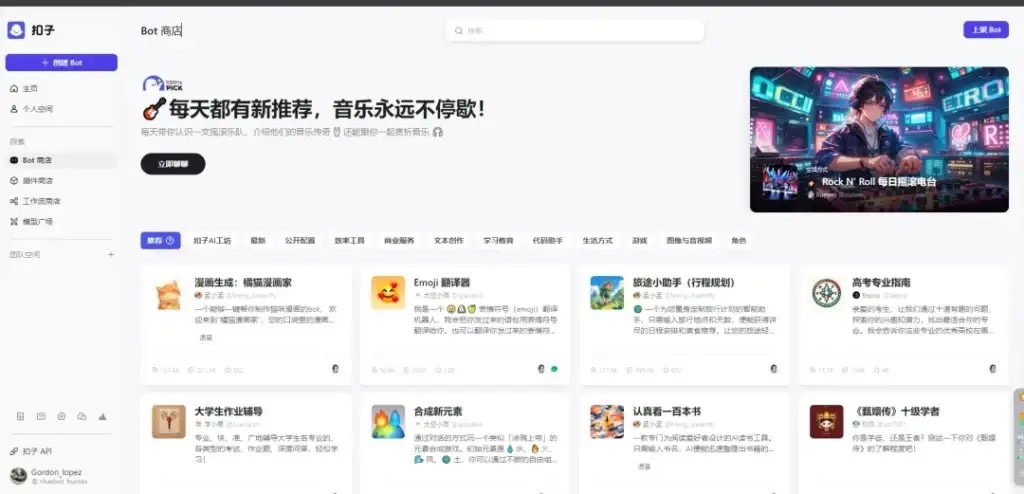
Coze official site
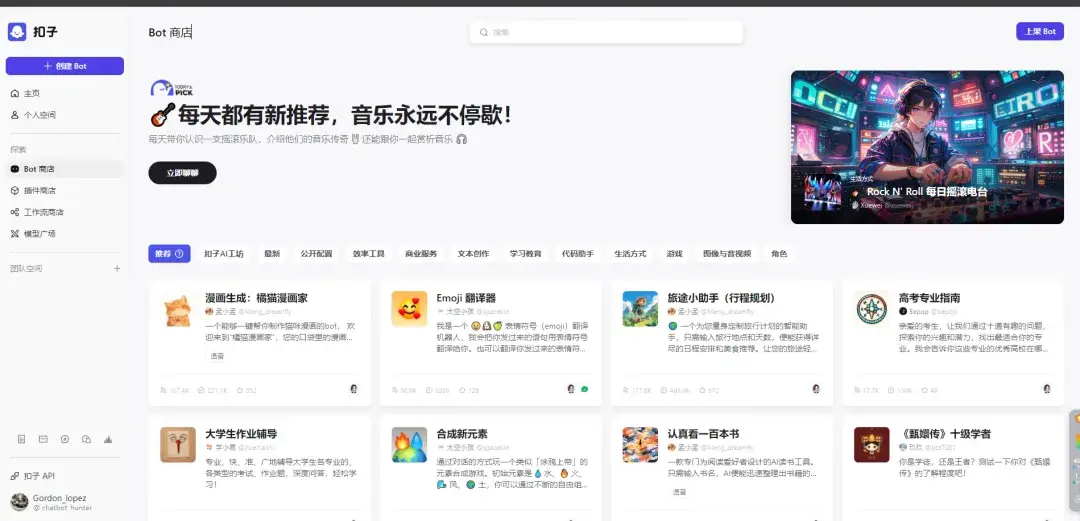
URL: coze.cn — log in by scanning with Douyin. Convenient. You'll find some odd bots there, like:
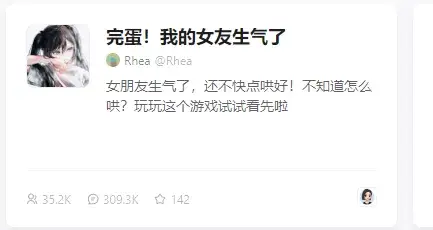
Bots on Coze
The rest you can explore yourself. Click "Create Bot" and you get a bot of your own in your personal space.
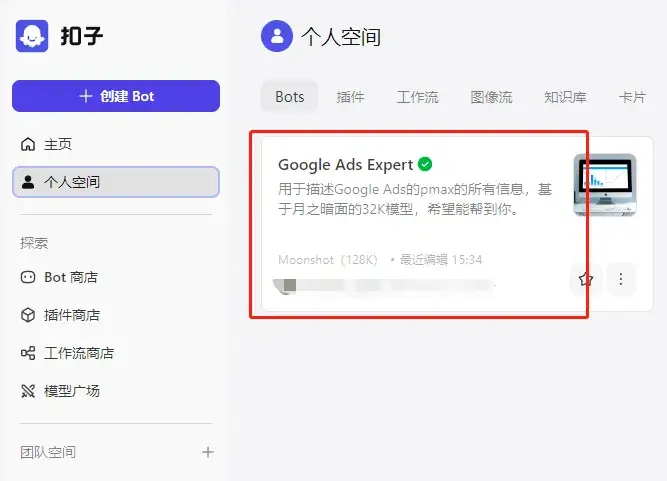
Coze personal space
Write a good prompt, pair it with the right model, and you have the bot you wanted. A basic tutorial on building a decent bot is coming later — stay tuned.
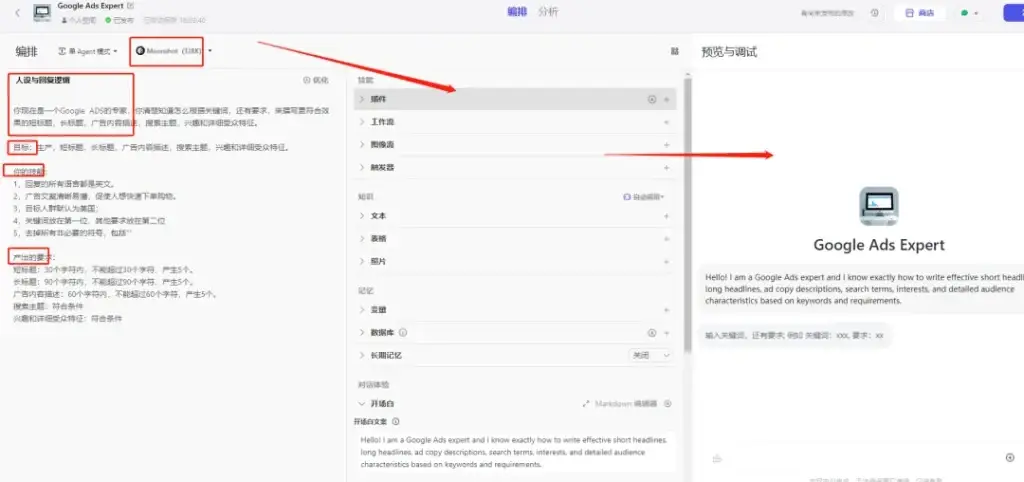
Bot development page
Bot done — how do I publish it to the official account? Click "Publish" in the top-right corner; on the publish page you can pick target platforms.
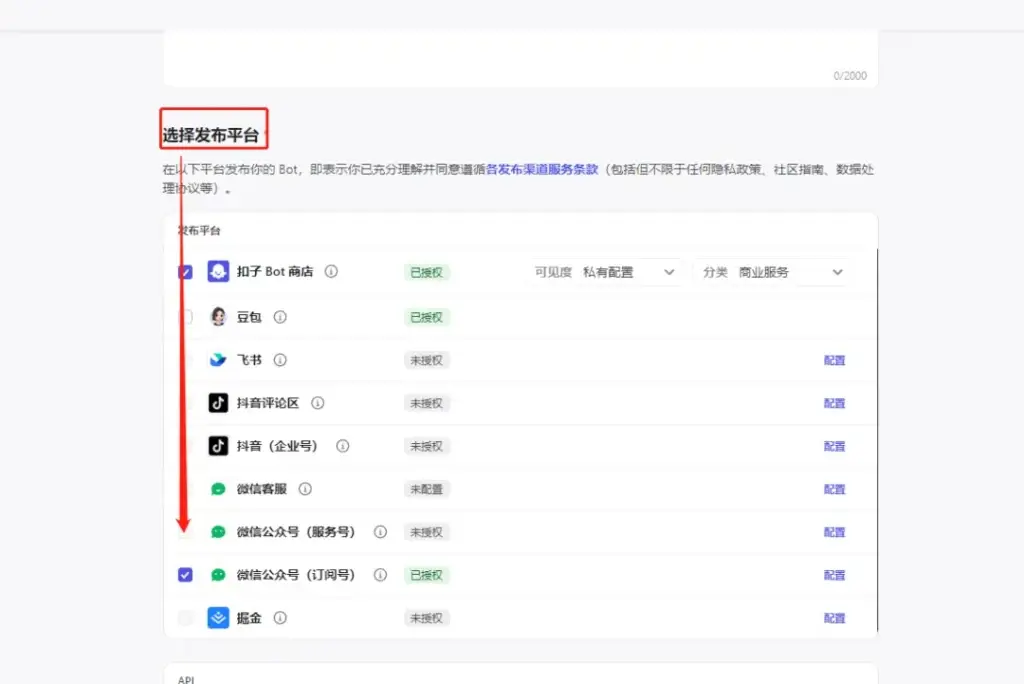
Coze publish targets
For WeChat official accounts, clicking configure pops up a dialog:
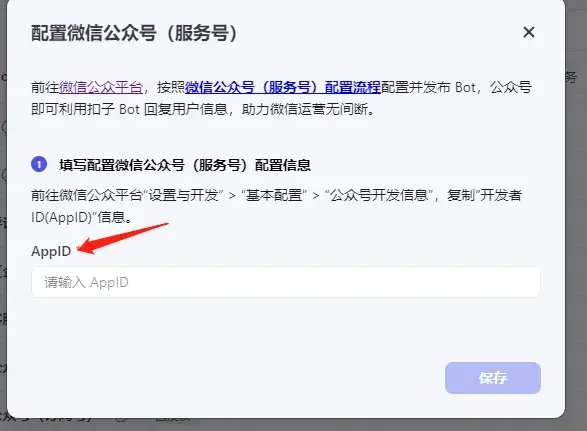
Binding Coze to the official account
It asks for your AppID — find it under Settings & Development → Basic Configuration in the official account admin:
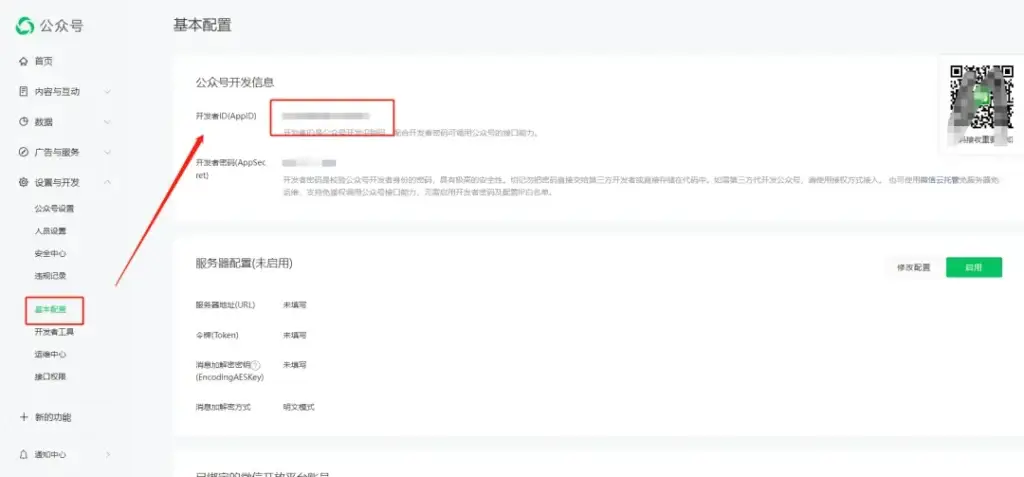
Getting the official account ID
I'd already bound one, so it asked me to unbind first. (Note: one bot can bind only one official account.)
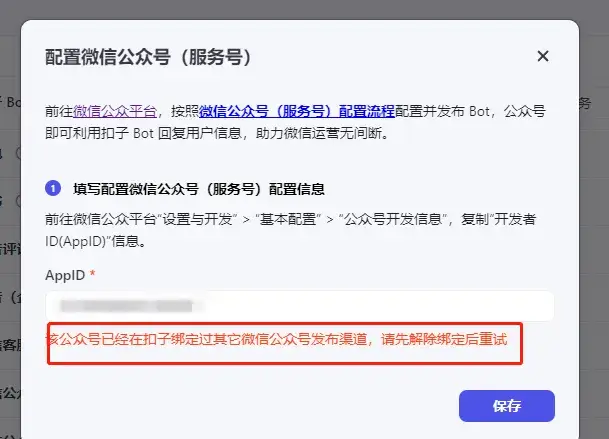
Official account binding Coze
After saving, the account owner scans a QR code to verify; then the configuration shows success.

Coze authorized
Tick the platform, publish, and it syncs to WeChat — review takes a little while. Once approved, you can chat with your bot right inside the official account.
FAQ
- How do I connect a Coze bot to a WeChat official account?
- Build the bot, click Publish in the top-right corner, pick the WeChat official account channel and click Configure, enter the account's AppID (found under Settings and Development, Basic Configuration), save, then have the account owner scan to verify. Once approved, the bot answers right in the account's chat.
- How many WeChat official accounts can one Coze bot bind?
- One bot binds exactly one WeChat official account — unbind the old account first if you want to switch.
- What is the difference between coze.cn and coze.com?
- Both are ByteDance products. The Chinese coze.cn signs in with Douyin; the international coze.com runs on OpenAI models and writes better English copy. The author's ad-copy bot ran for over a month at ROAS 3.07 versus 3.25 for the whole account.